 888 484 0039
 info@halodesignacademy.com
 888 484 0039
Line as an element of design
This article is continuation of previous article "Point as an element of design". In this article we are going to see what is a line in terms of designs, what are the different types of line, what are their implications in design and how we can use them to better our designs.
What is a line?
Line has multiple definitions. Let's see them one by one.
An infinite series of points creates a line.
A line is the shortest distance connecting two points.
A line is created when two planes intersect.
A line can also be called as the straight path along which a point moves.
Aspects of line
Lines can be thin or thick, smooth or jagged, continuous or broken. Understanding how to manipulate these variations to create professional compositions is a fundamental skill we cover in our Graphic Design course.
Length
Thickness
Evenness
Path
Continuity
Contour
Sharpness of the corners
Consistency
Direction
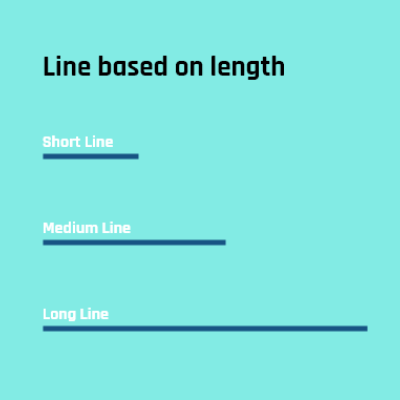
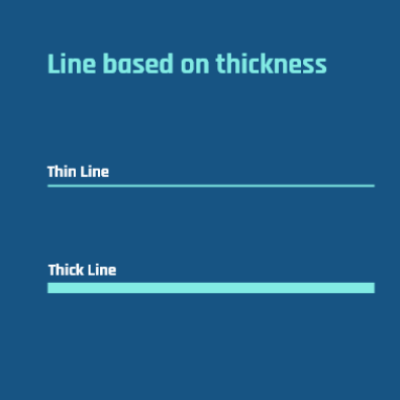
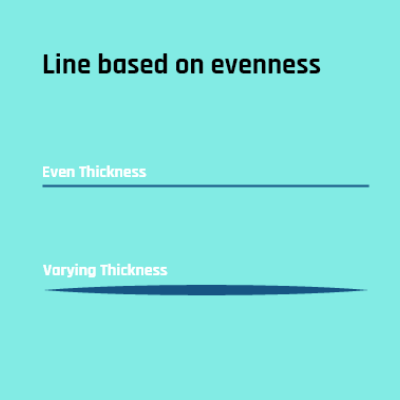
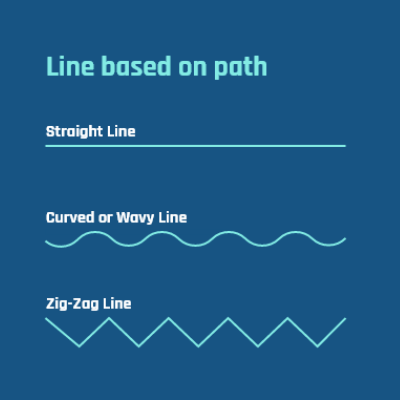
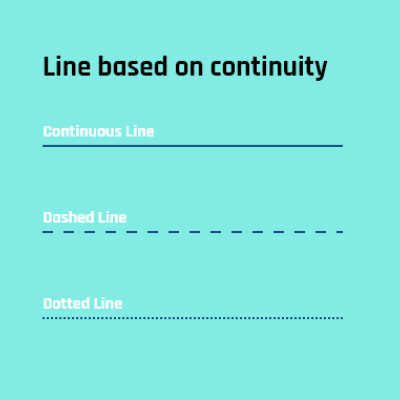
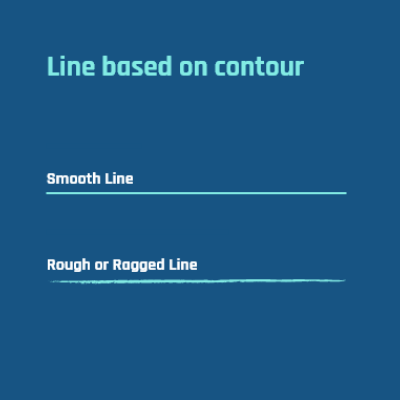
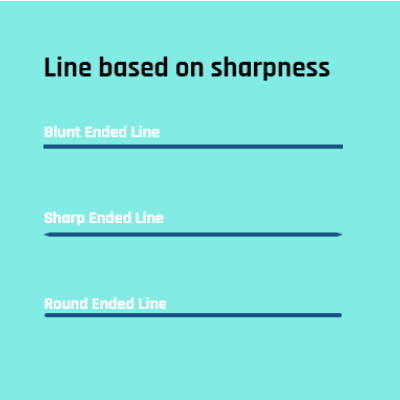
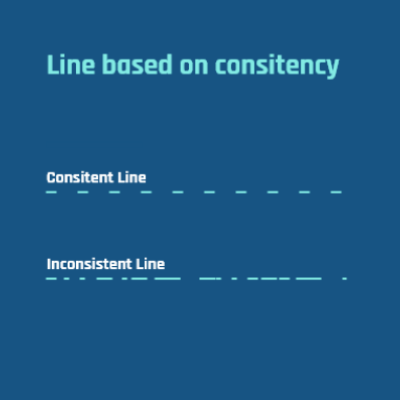
Design functions of a line
The most fundamental characteristick or function of a line it to unite or connect. When points speak about position, lines are about movement and direction. A line always makes you reye to start at a paricular point and move towards another point. Ex: Lines are used to connect various shapes in a flowchart and they also direct the user to understand where the process starts, in which direction is flows and where it ends. The opposite of connecting is dividing and lines can be used for that too. Ex: Lines are used to divide a table into various cells.
Other design functions that a line can do are:
Convey a mood or emotion
Organize a design
Create a texture
Create movement
Define shape
Call attention to a word
Connect pieces of information
Act as a frame or border
Lines help in dividing space and organizing information on a page. This is especially critical in UI/UX design, where designers use borders and separators to create clear visual hierarchies and improve user navigation.
Physical and Psychological Effects of a Line
Vertical Lines:
Vertical lines are active lines. They always represent rigidity, firmness, stability, strong and alert. Look at the tall skyscrapers, they all are vertical lines. What do you feel when you look at them? Doesn't it looks magneficient. Skyscapers are able to stand tall because it has a stable and strong base built with rigid iron frames. That's the impact vertical lines have on us.

Horizontal Lines:
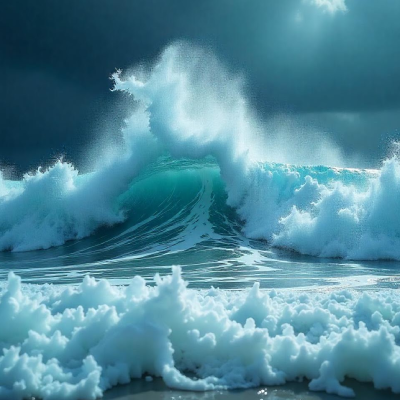
Horizontal lines are passive lines. They represent rest, calmness and serenity. When we look at a picture of a sea our eyes immediately stops on the horizon where the sea and the sky meets. This is because we feel that objects that are parallel to the earth have abided to the force of gravity and they are laying down. An object laying doen does not moves, that's why we feel rest or passiveness.

Diagonal Lines:
Diagonal lines represent power, for example lightning bolt. How do we stand when we try to push a heavy object? We stand in a diagonal position trying to generate enough power to push that heavy object. A very good example of this is the labor statue in Chennai in which the men and the log they use everything are diagonal lines making the viewer feel the enormous amount of power and effort put by the labors. Diagonal lines converging downwards make the object look lighter and happier. Diagonal lines converging upwards make the object look heavier and sober or droopy.

Curved Lines:
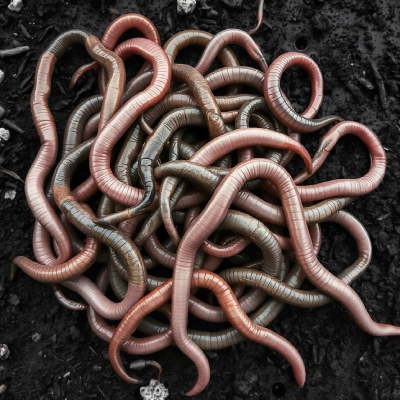
Curved lines are also called as organic lines because they are mostly found in nature and all straight lines are man made. Curved lines can evoke different types of emotions in humans like fear, disgust, peace and many more.


Imaginary or Implied Lines:
Implied lines are invisible lines. When you place two points at a distance immediately our brain create a line between those two points which actually does not exists. This is what is called as implied line. An implied line cane be created by an hand gesture, eye contact or a series of objects. Implied lines are the toughest to create but when done properly create an outstanding visual impact.


The way you use lines can change the entire mood of your design. Developing the "designer's eye" to balance these psychological cues with functional layouts is the core of our Hybrid (Graphic + UI/UX) course.
Conclusion
Line, perhaps, is almost the most primitive and basic design element. It is a very versatile element capable of representing a whole range of sensations, directing the human eye, and demarcating form. Whether it is the subtle stroke of a painter's brush, the exact edge of a graphic designer's tool, or how architectural lines define the built environment around us, the line is a major visual force in our own experiences. Lines are just the beginning. Ready to master color, typography, and layout in a professional environment? Browse All Courses
"Knowing all its subtleties and dimensions leads the designer to communicate effectively, generate the moods, and create real, impactful, and memorable works of art and design."


